Pipecraft AI Assistant
Add to Chrome
Pipecraft AI Assistant is a lightweight browser extension that adds a handful of AI features and reports on top of Pipedrive — quick deal summaries, web research, voice notes, one-click Capture, plain-English filtering, and a workspace health report. Each one lives right in the Pipedrive UI; turn on only the ones you want. Nothing to migrate. Bring your own AI key.
Free forever — no subscriptions, no paid tiers · Your data stays in your browser

It reads the notes and activities already on the record and writes a short, plain-language recap — where things stand and the next step. Need outside context? Research online runs a web search and comes back with the company’s recent news, a Trustpilot/Glassdoor reputation roundup, recent negative-review gripes, any apps the company ships, its likely priorities, and tailored talking points with an opener — all with cited sources.
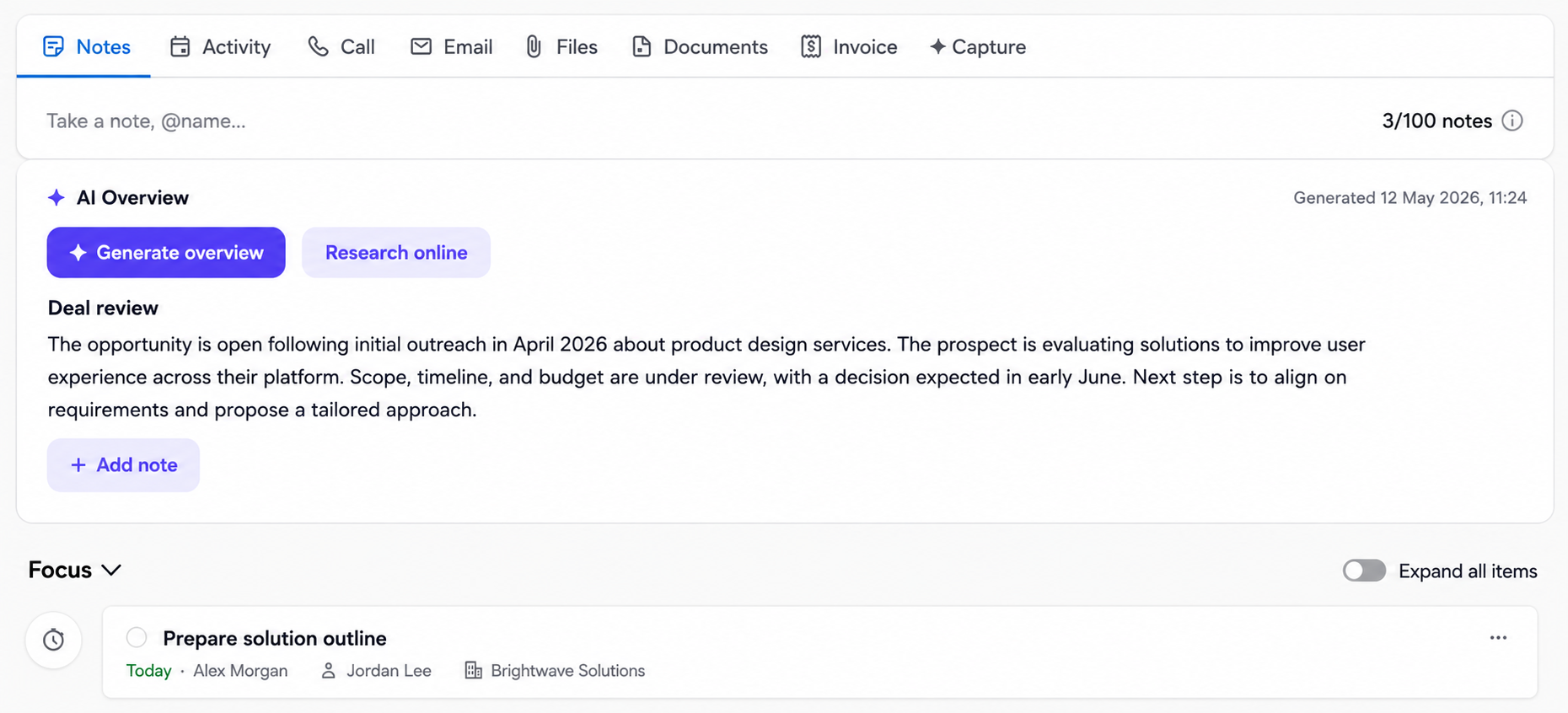
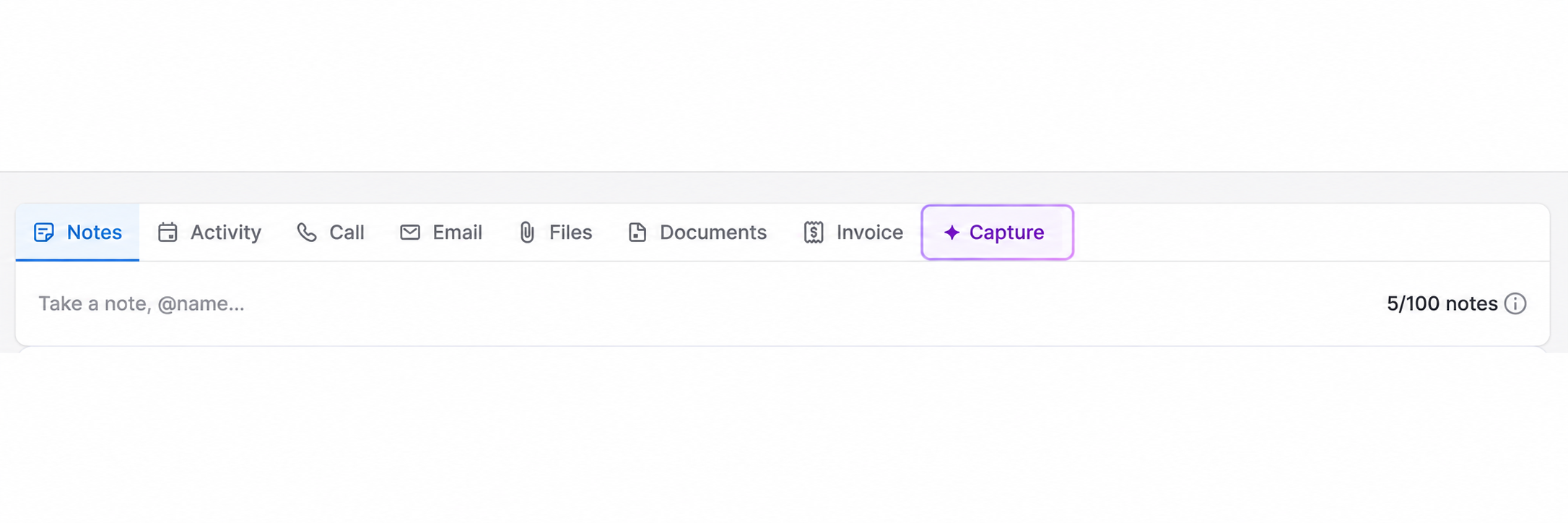
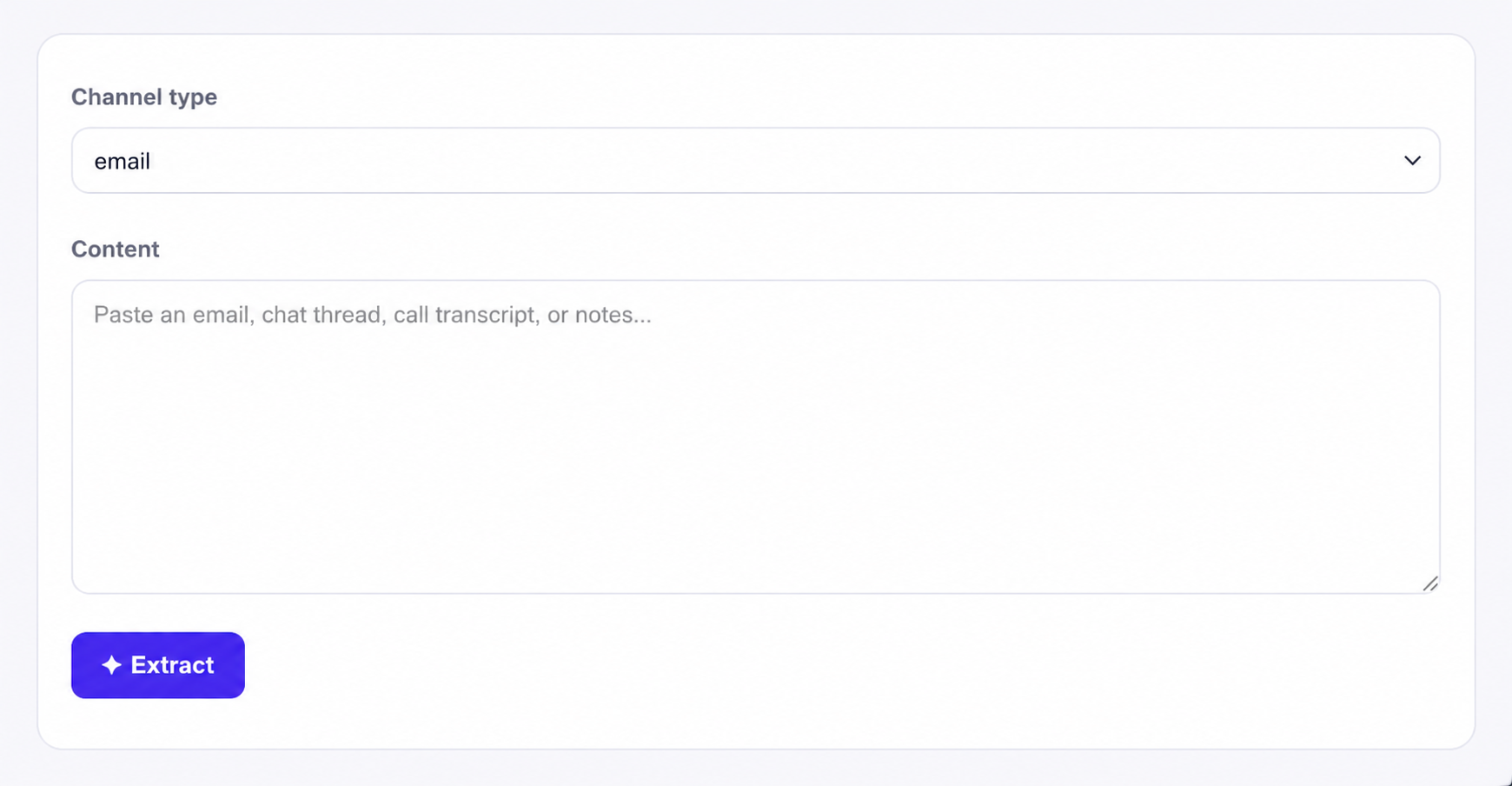
Open the Capture tab and drop in an email thread, chat log or call transcript. Pipecraft reads it, pulls out the key points and the people mentioned, and turns the to-dos into a follow-up task automatically — a tidy note plus activities, ready to save onto the deal without retyping.
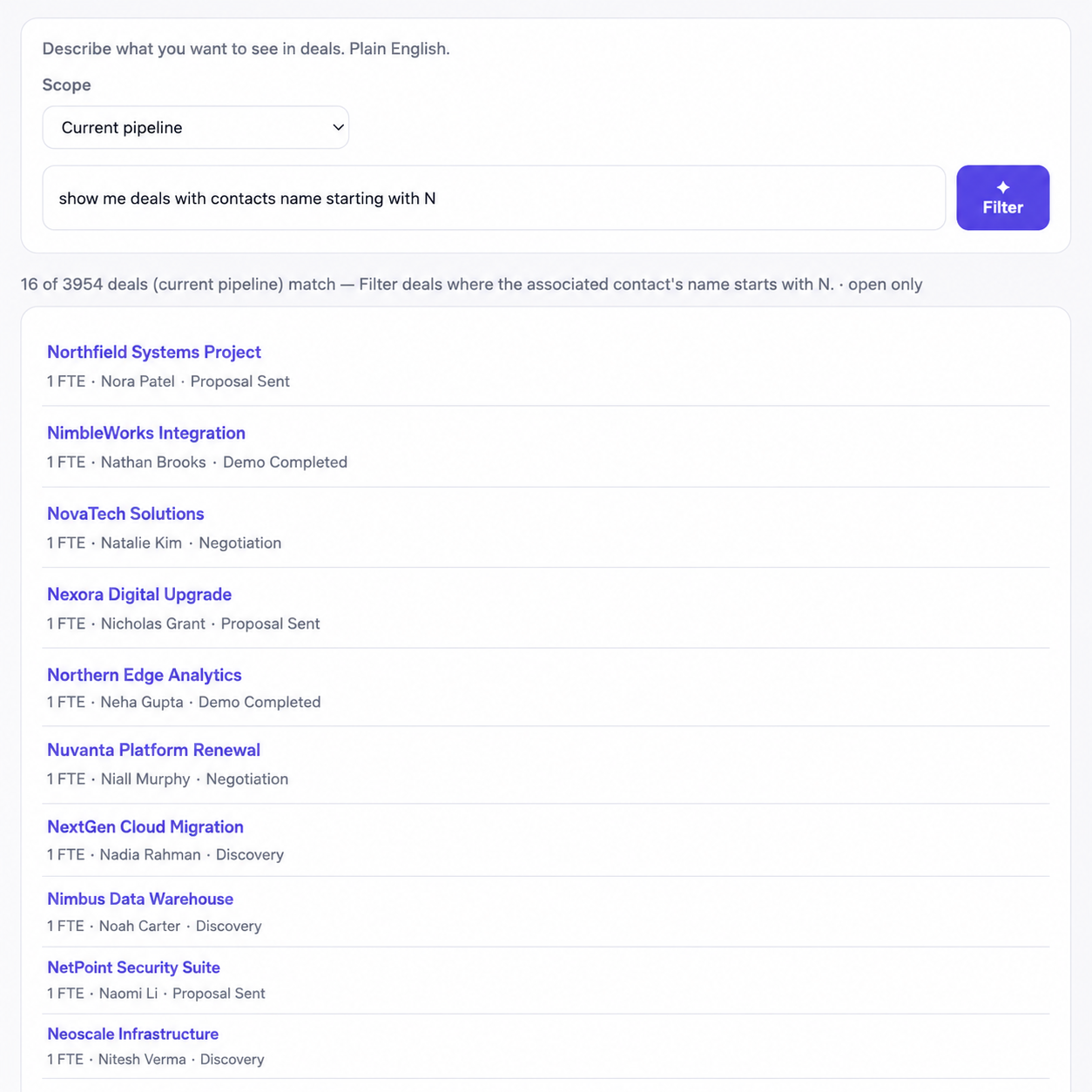
Say what you want — “open deals over $10k with no next activity” — and get the filtered list. A faster way to slice deals, contacts and organizations than building filter conditions by hand.
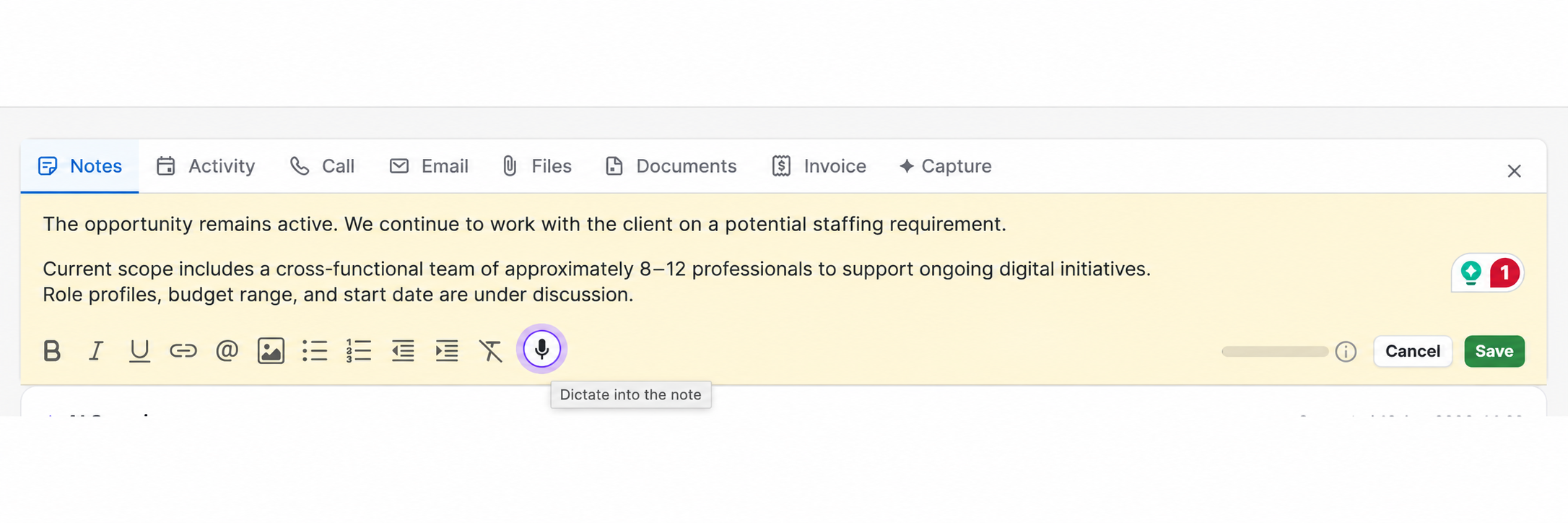
A microphone sits in the note editor. Talk, and the browser turns your speech into text in 100+ languages. Optionally, AI tidies the result — adds punctuation, drops filler and false starts, and structures it into bullet points without cutting any detail. It can even hand the note back in another language. Handy right after a call.
A scored hygiene report for the whole account — deals with no next step, stale deals, inactive users, contacts missing key data — with an executive summary and a per-owner breakdown you can download. Plus a daily activity report and history charts over time.
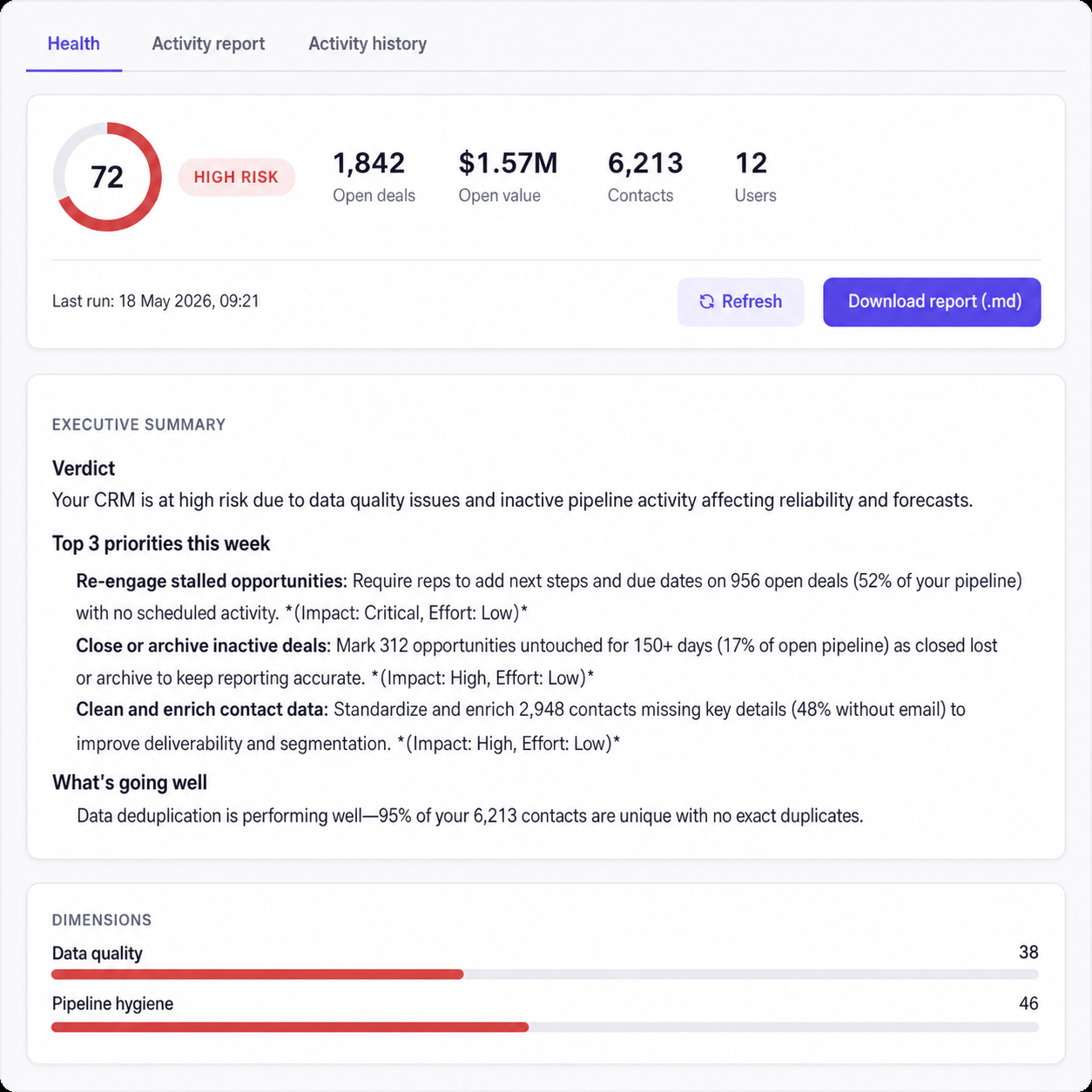
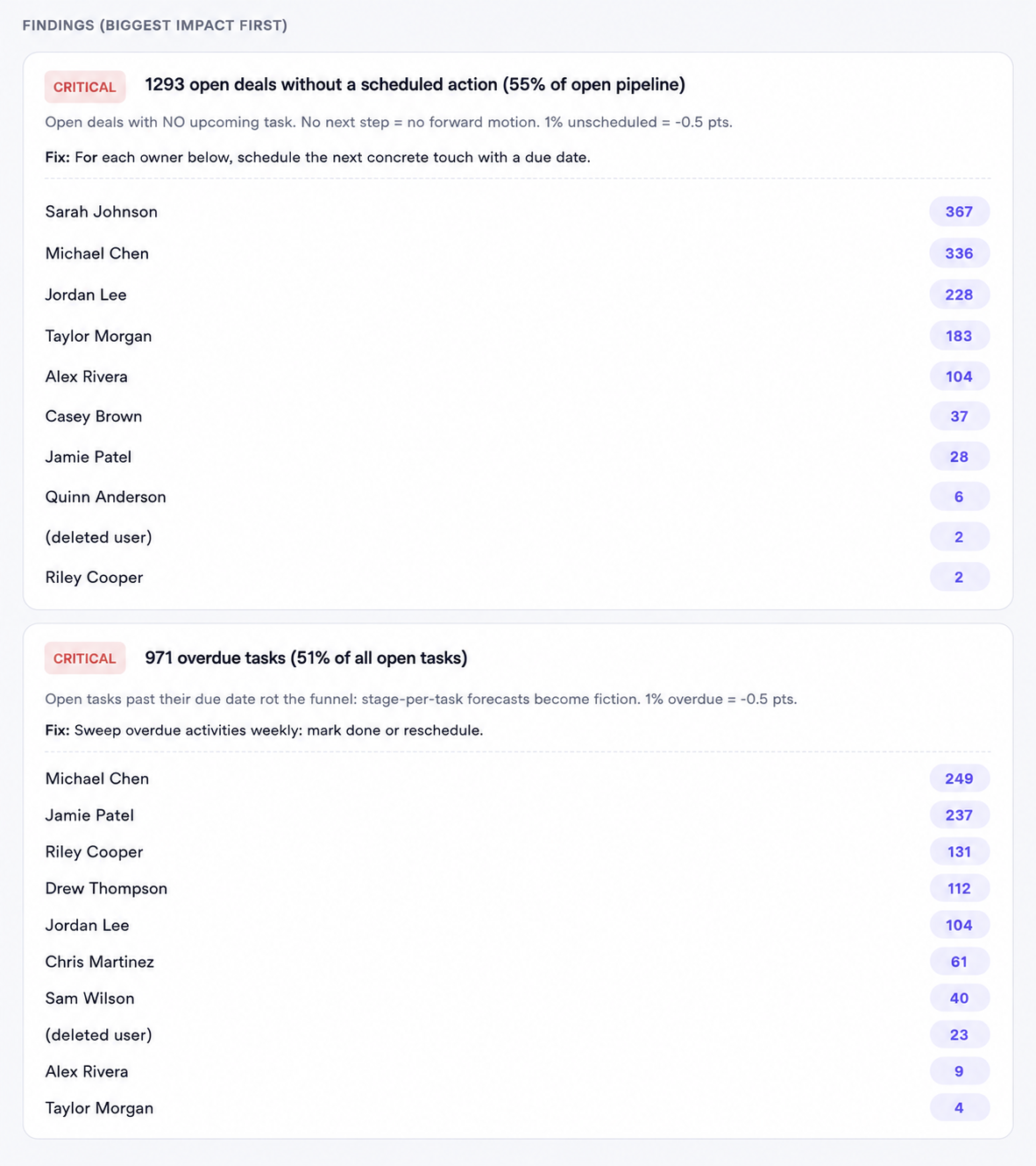
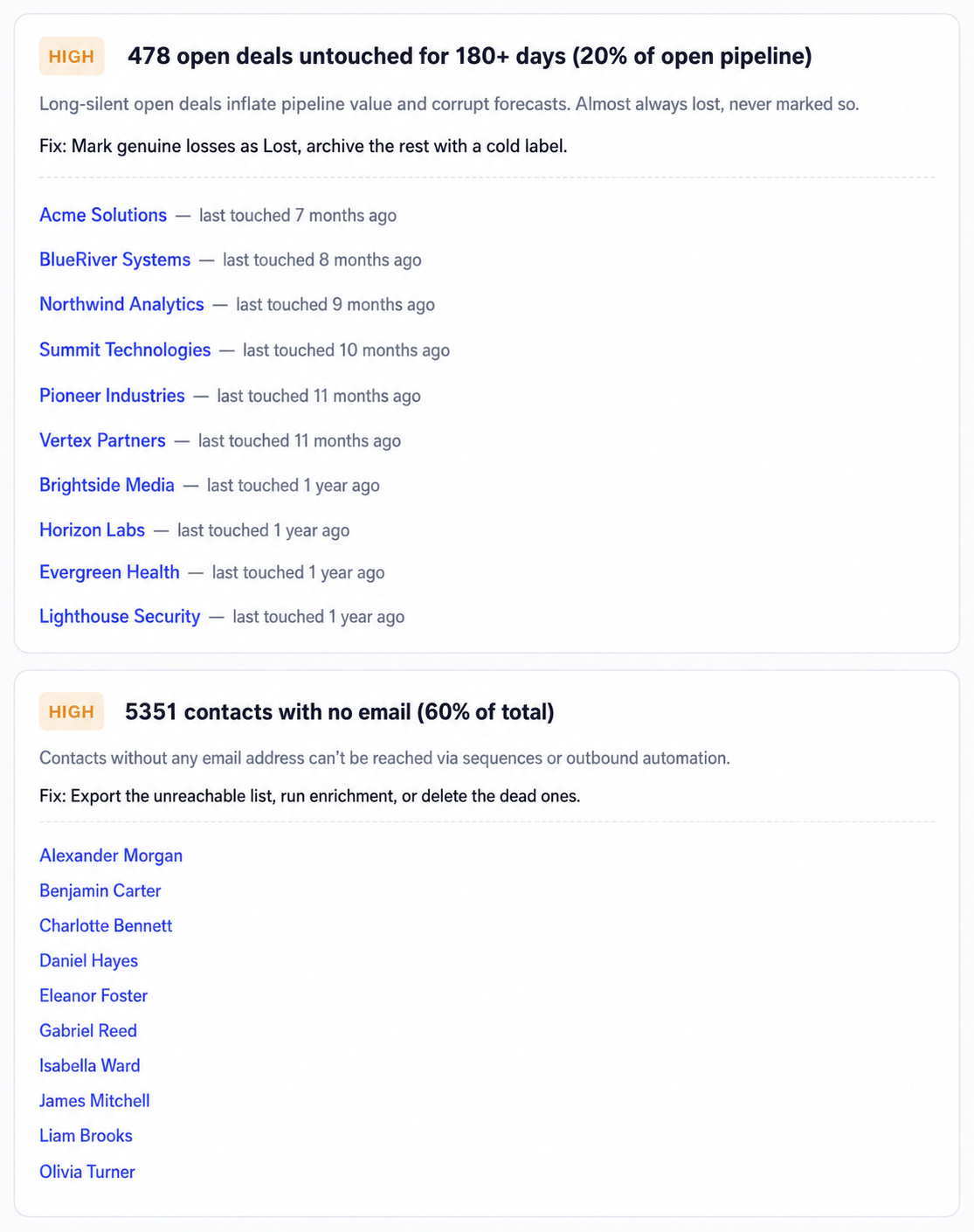
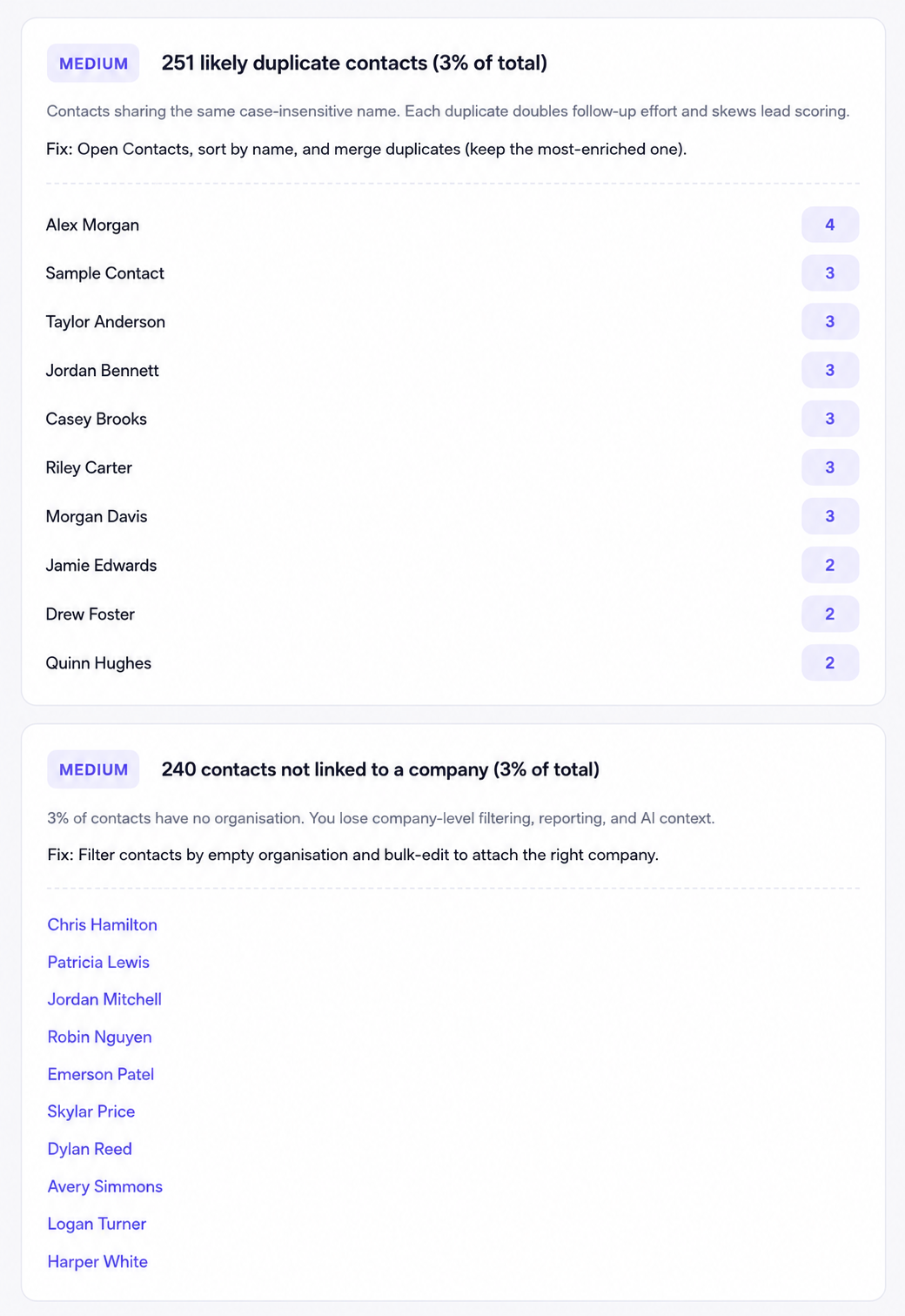
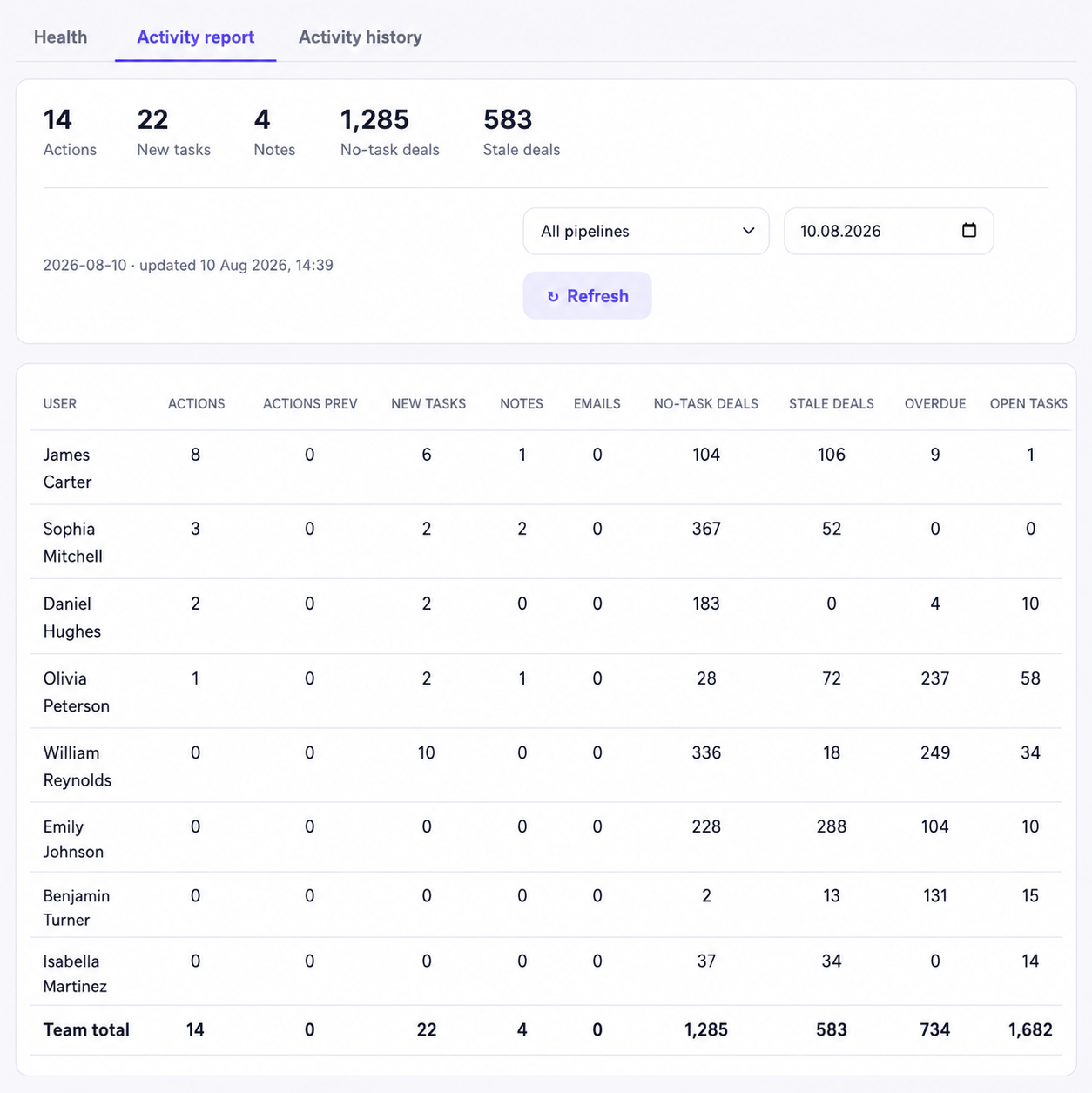
Scored health report — verdict + top priorities this week
No OAuth and no backend. Connect your CRM and your AI, and everything runs from one in-page sidebar.
Paste your Pipedrive personal API token (Settings → Personal preferences → API). It’s stored locally in your browser.
Pick a provider — Gemini, OpenAI, Anthropic, OpenRouter, Perplexity or Groq — and paste your own key. You pick the model and the cost.
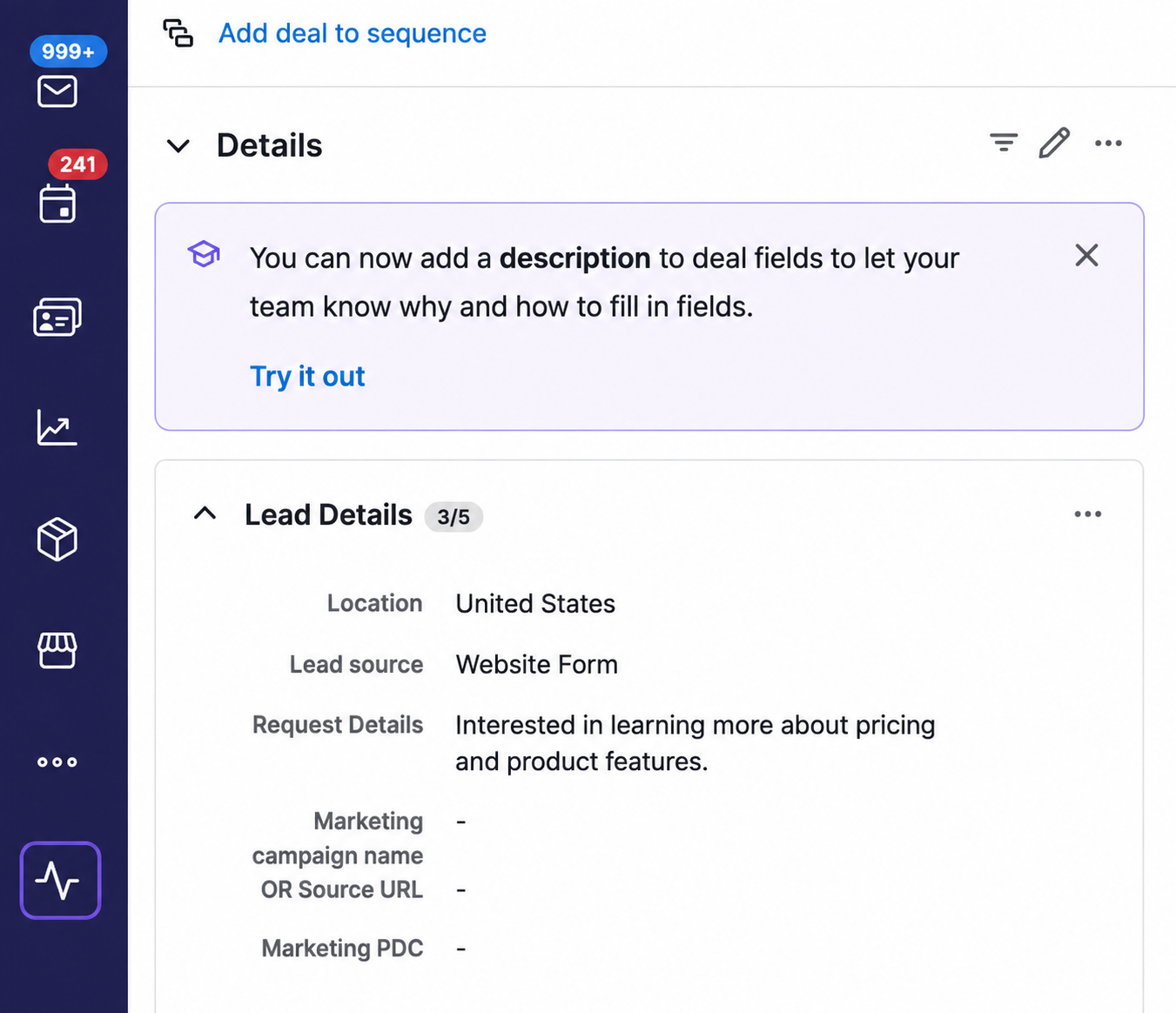
Open a deal. The tools you enabled show up right in Pipedrive — summarize, capture, filter, dictate, or run the health report.
The extension is free. You bring your own AI provider key, so you only pay your provider for the AI you use — many models have free tiers. No subscription, no account.
With your Pipedrive personal API token (Settings → Personal preferences → API). It’s stored locally in your browser and used only to talk to the Pipedrive API. It never goes to us.
Google Gemini, OpenAI, Anthropic Claude, OpenRouter, Perplexity and Groq. You can also run research for free through the companion Claude Code / Codex skill if you have a subscription.
Voice dictation uses your browser’s built-in speech engine, which covers 100+ languages. The optional AI clean-up can also return the note in another language.
Yes. Your Pipedrive token and AI keys stay in your browser and are only sent to the services you choose. No tracking, no data resale. The optional activity-history feature is off by default; when on, your token is sent encrypted for a one-time ownership check only and never stored. See our Privacy Policy.
No. It’s an add-on layer in your browser. It only writes to your CRM when you explicitly save a note, task or change — and it coexists with theming extensions like Colored Pipedrive.
Deal summaries, web research, voice notes, Capture, Smart Filter and a workspace health report — free, inside the Pipedrive you already use.
Add to Chrome — free